Tap into Convenience with The Bank of Tioga Contactless Cards
The Bank of Tioga is upgrading to contactless Visa debit cards for all clients! This exciting change means every cardholder will soon enjoy faster, safer and more convenient payments. Get ready to experience the latest in payment technology as we make this transition together.
When you pay with "tap" you’ll enjoy:
- Contactless transactions that are completed in just seconds, making checkout faster than ever.
- A unique code that generates with each tap, which helps protect your card information from fraud.
- No need to swipe or insert the card and less wear and tear over time.
- Tapping your card, which reduces contact with shared surfaces and PIN pads, promoting a cleaner payment experience.
Receiving and activating your new card
January 2026
Look for a letter in your mailbox regarding your new card.
February 2026
Your new debit card arrives via mail. To activate this card and customize your PIN, call 800-717-4923 (have your card and SSN ready). Remove label before using the card. Please note that your new debit card will include a new card number, expiration date and security code (CVC). Once activated, remember to update your recurring payments and card-on-file details with merchants such as streaming services, subscriptions and online retailers.
March 2026
Your current Mastercard debit card will no longer work after March 15, 2026.
If your address, phone number or email address has recently changed, please ensure it has been updated with the bank.
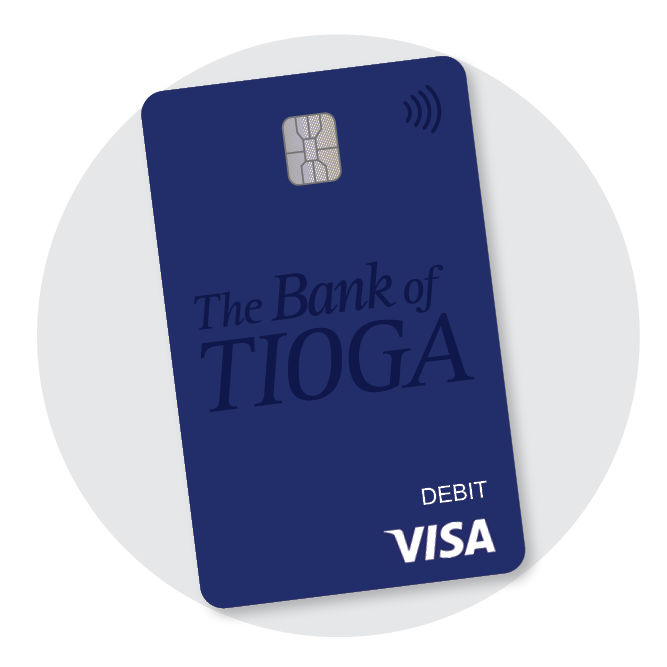
|
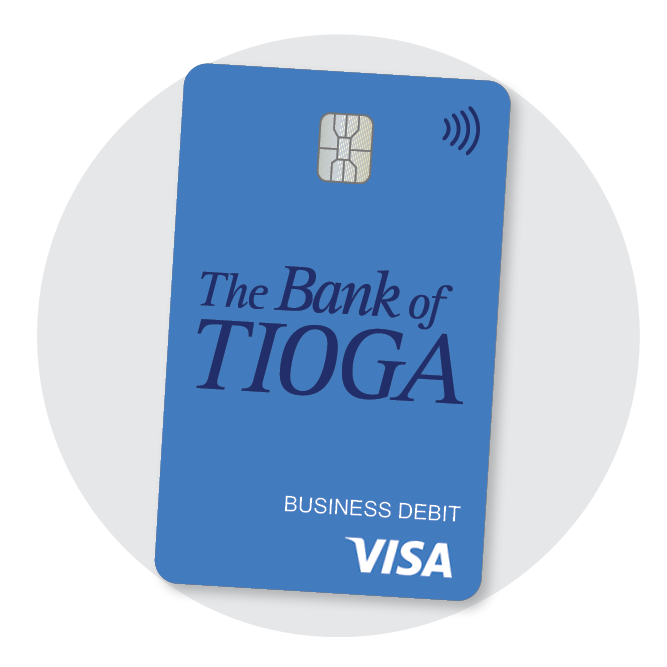
|
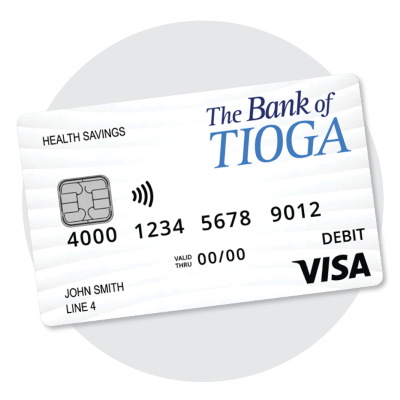
|
| Consumer Debit Card |
Business Debit Card |
HSA Debit Card |
Are you new here?
Not a The Bank of Tioga client? No problem! Stop into any of our locations and you can instantly get your debit card today. If you're not near one of our locations, you can call into our Virtual Support where you talk to a live banker via voice call, video or messenger chat.
Where can you use it?
Anywhere you see the contactless symbol; in stores, restaurants, gas stations and more. Most major retailers now support tap-to-pay.
How it works
- Look for the contactless symbol on the payment terminal.
- Tap your The Bank of Tioga debit card on the terminal.
- Wait for the confirmation and you’re done!
How do I setup or update my digital wallet?
- Open or download the "Wallet" app on your phone
- Select your card or "add card" and follow the prompts to enter your new card details
- You're ready to tap and pay with your phone!
Questions? We’re Here to Help.
Reach out to our support team by visiting one of our locations, calling us at 701-664-3388 for Tioga
or 701.965.6333 for Crosby or using our Virtual Support platform. We’ll walk you through the transition and answer any questions.